McUwes Cook
This guide aims to show you the basic principles of becoming and performing duties as a McUwes Cook.
Becoming a McUwes Cook
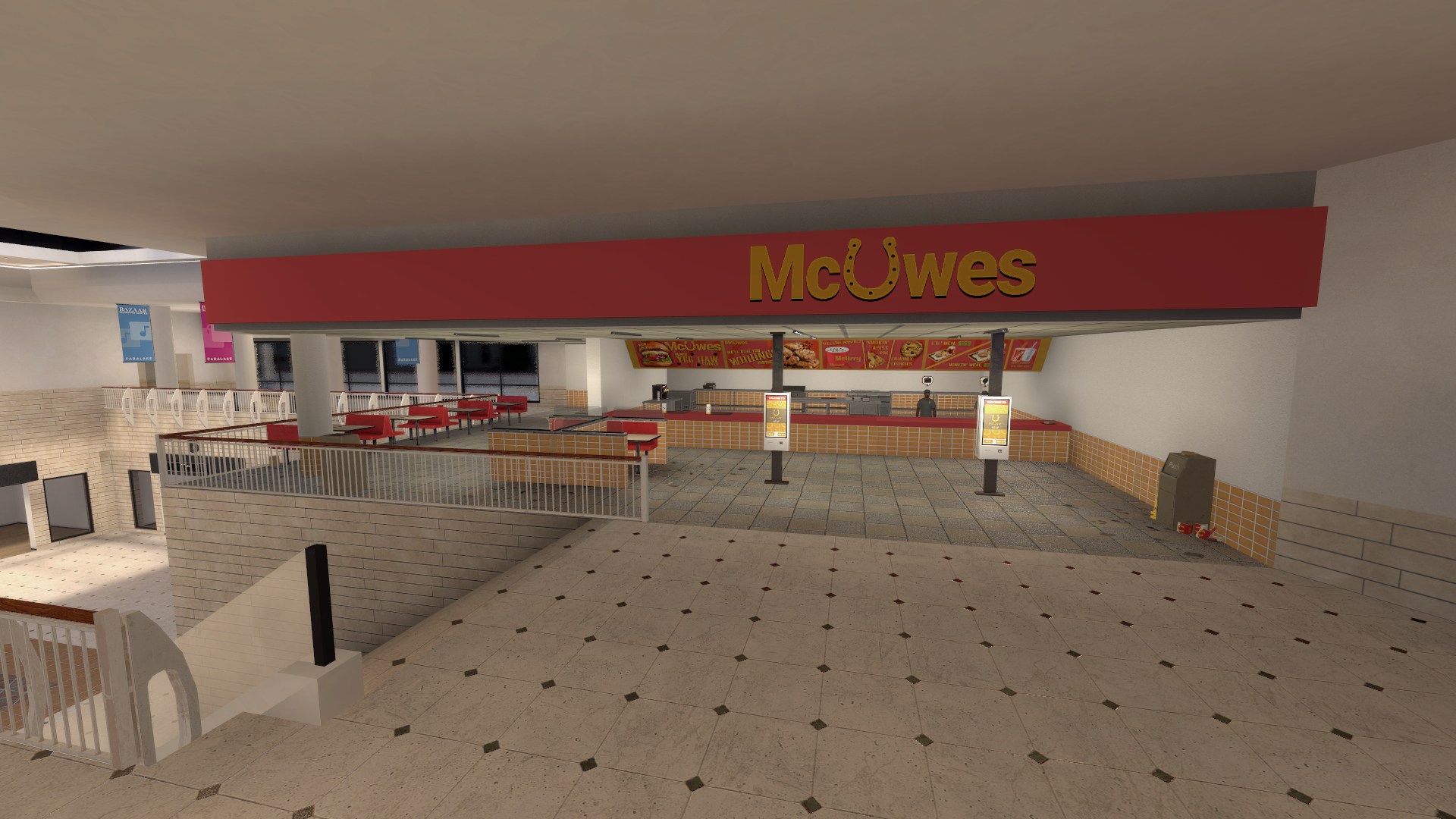
To become a cook you will need to locate the McUwes located inside of the Bazaar Shopping Center, you can get there by walking into any metro station and take the train that leads into Business and go into the Bazaar, alternatively you can drive to the Bazaar Underground Parking Lot and find McUwes up the double stairs to the second floor; you will see a red and yellow fast food restaurant with an open seating area with ordering stations and a counter. Once there, speak to the NPC on the left by pressing 'E' to become a McUwes Cook.
The Basics
As a McUwes Cook, your job is to provide cooked meals to both NPC and player orders using the provided equipment and items inside of the kitchen, these services can include serving specific drinks or custom made burgers.
Burger orders need to be followed completely in order, if it begins with a condiment, it will need to have the condiment first, following with whatever ingredients are next or it will be labeled 'not needed for this order'
Equipment
| Equipment | Name | Function |
|---|---|---|
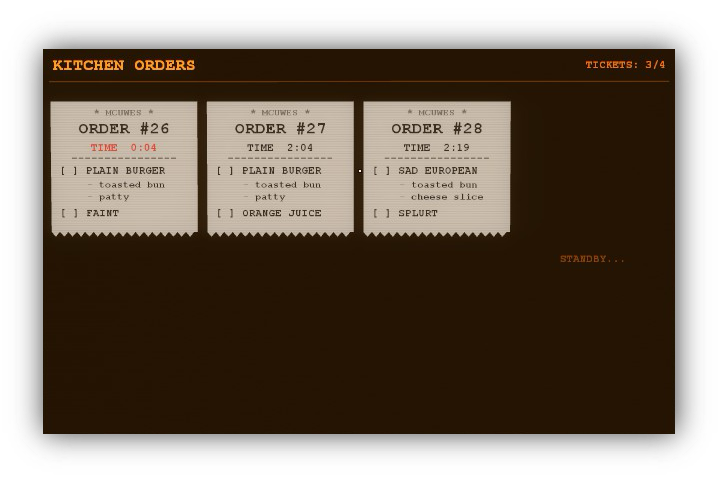 |
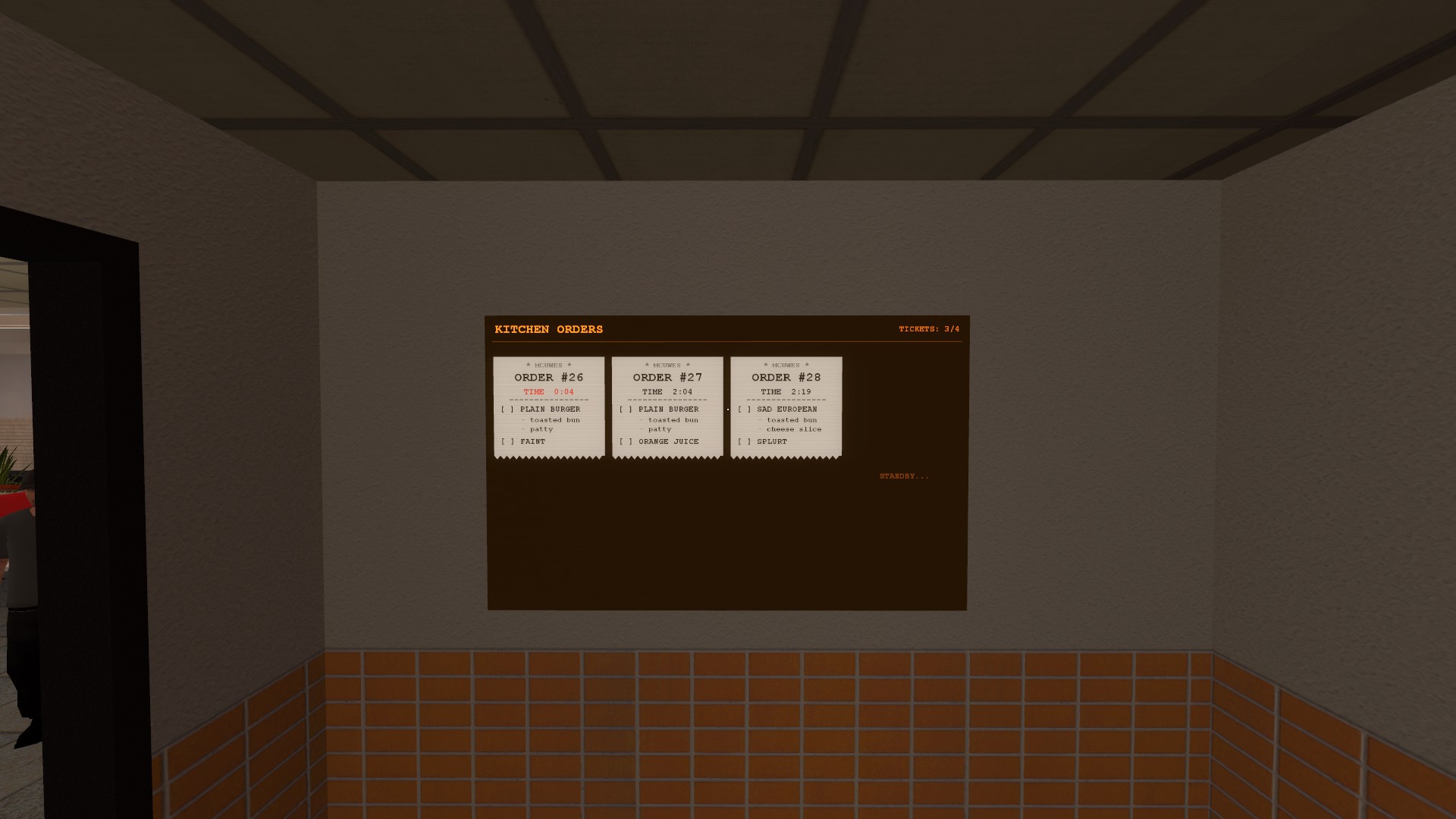
Kitchen Order Board | Found directly to the left of the door you enter when beginning your shift, you can see the current orders and pin a specific one to your HUD by pressing your interact key (default: E) on the specific order you would like to do, make sure to keep track of time on the order or you could fail doing it in time and potentially even be demoted to a lower rank! |
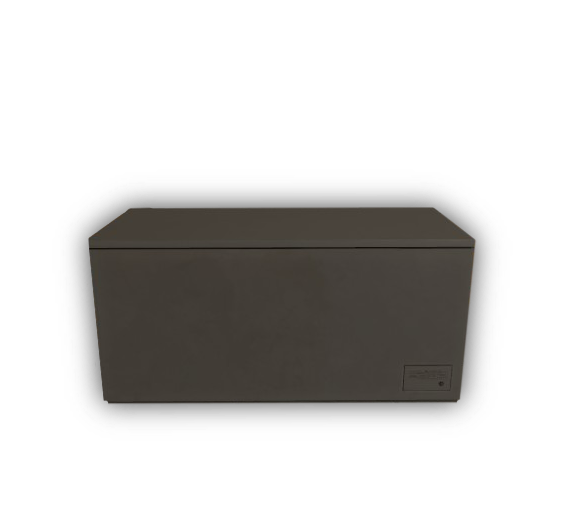 |
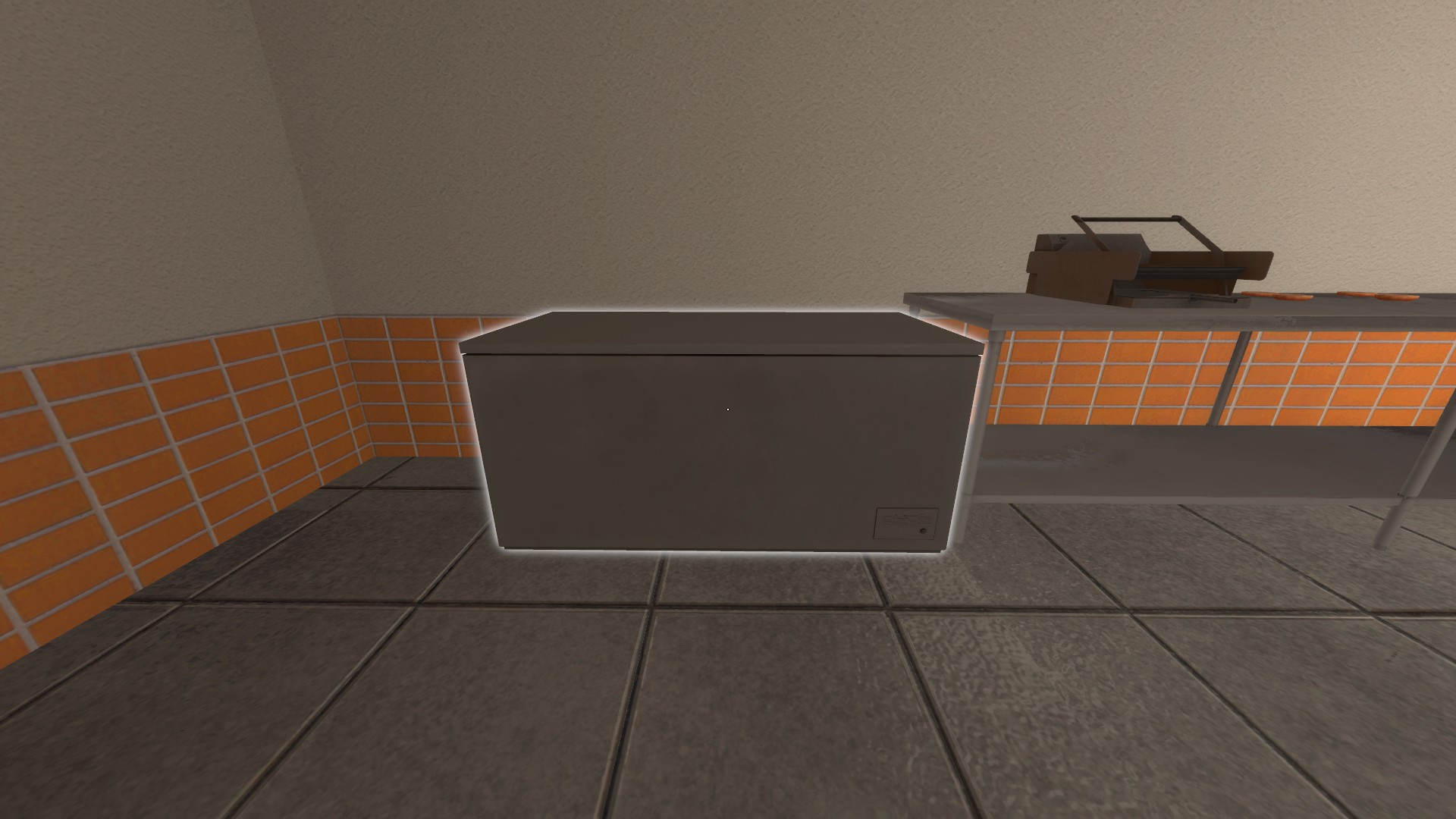
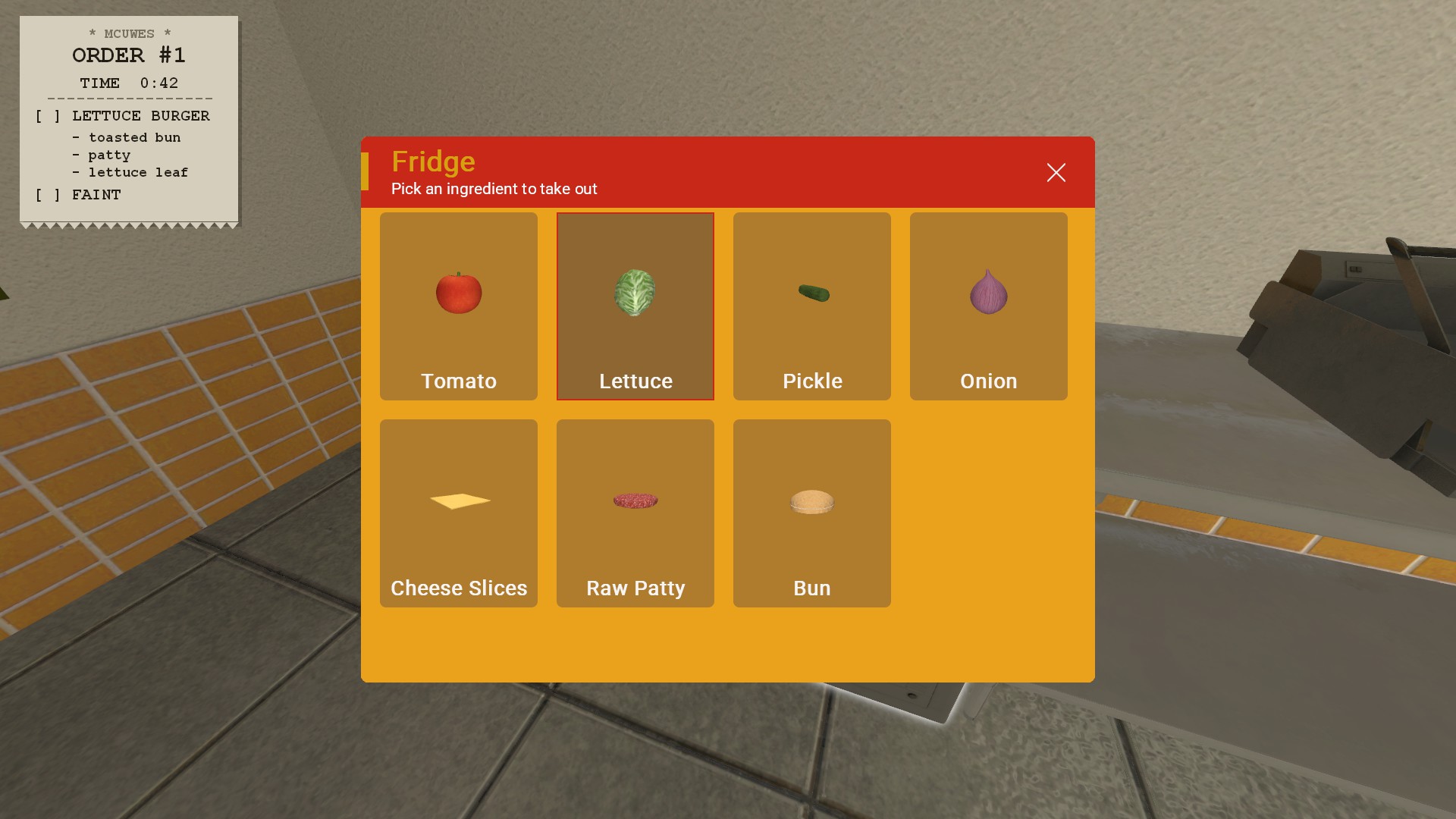
Fridge | Contains ingredients essential for making burgers. (Tomato, Lettuce, Pickle, Onion, Cheese Slices, Raw Patties, Buns) |
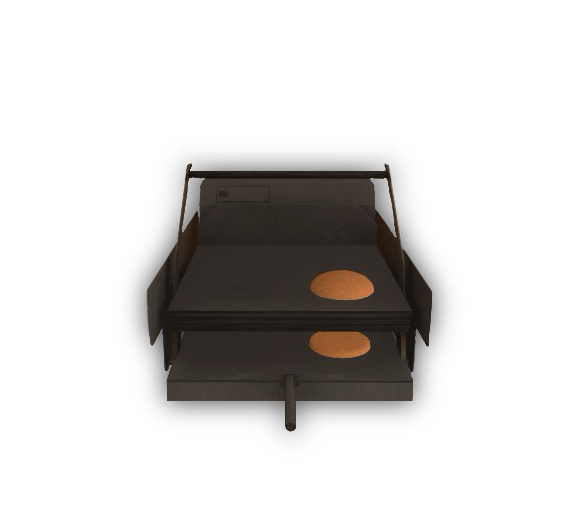 |
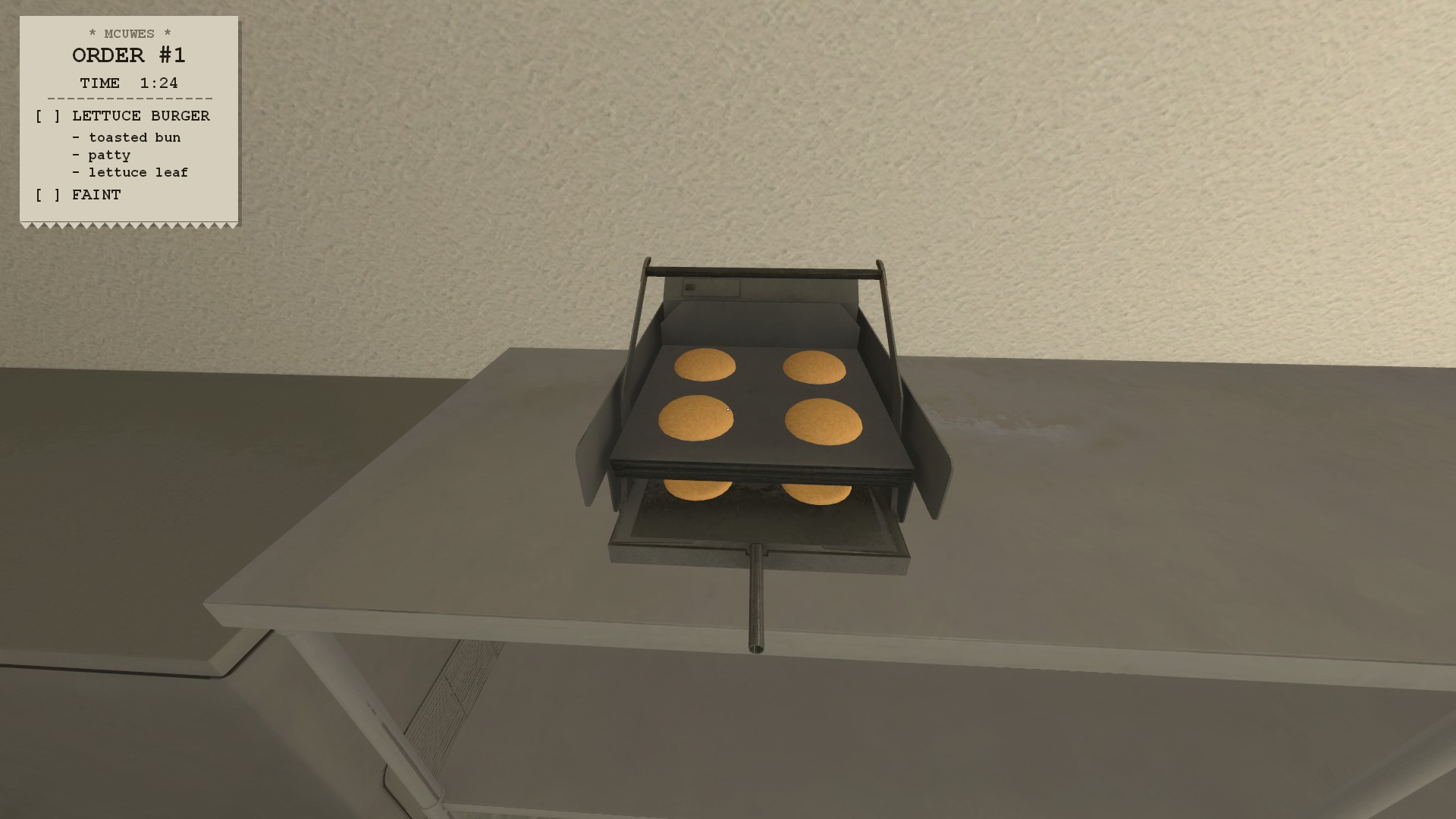
Toaster | After collecting 1-4 Buns, you can place them onto the toaster to the right of the Fridge to cook them by pressing your interact key (default: E). |
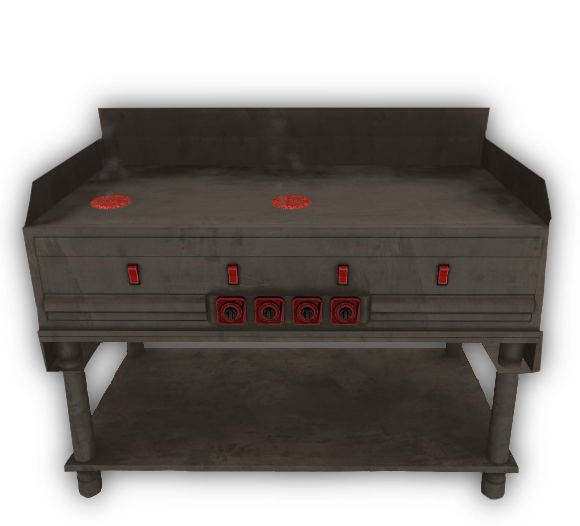 |
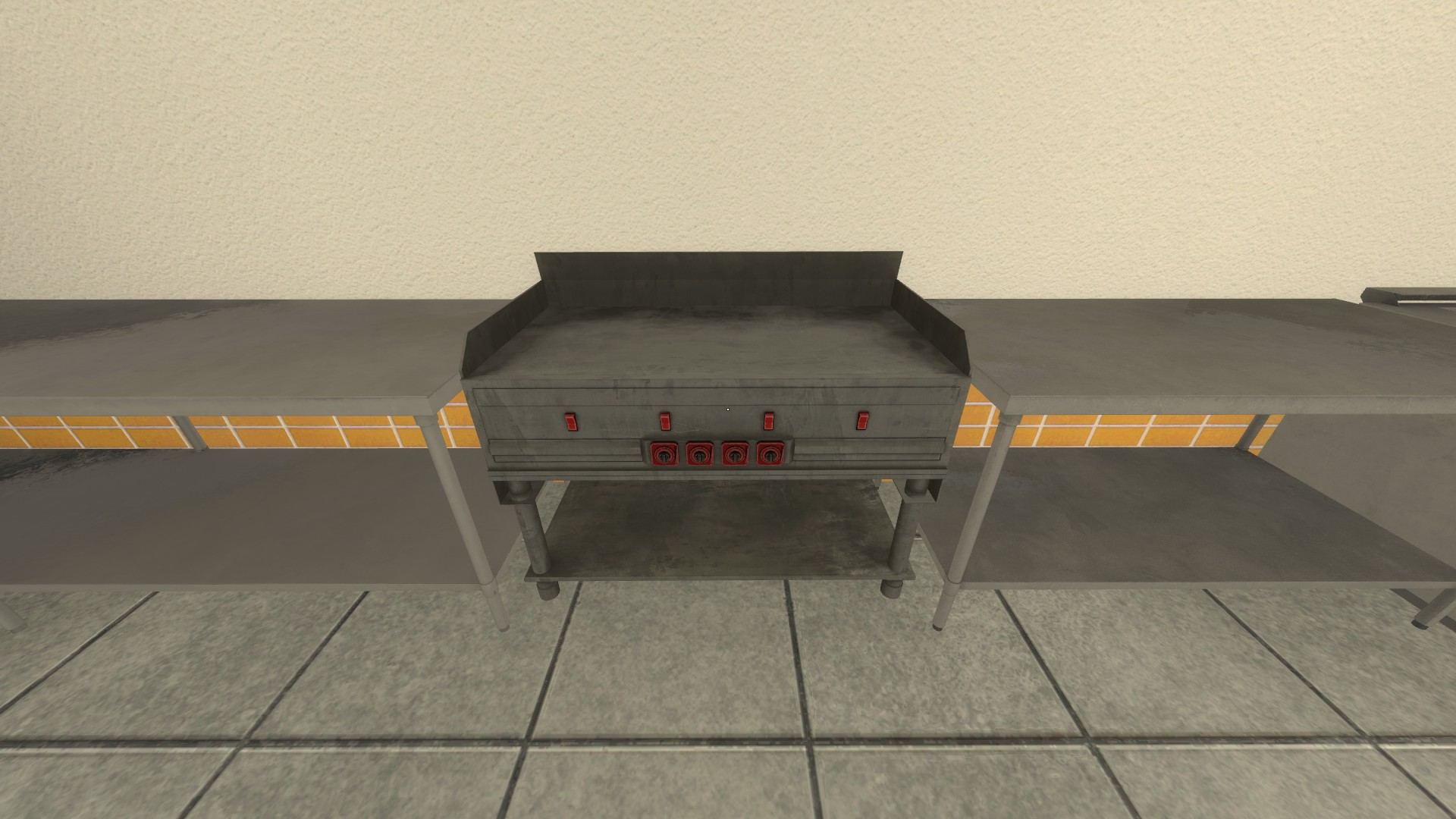
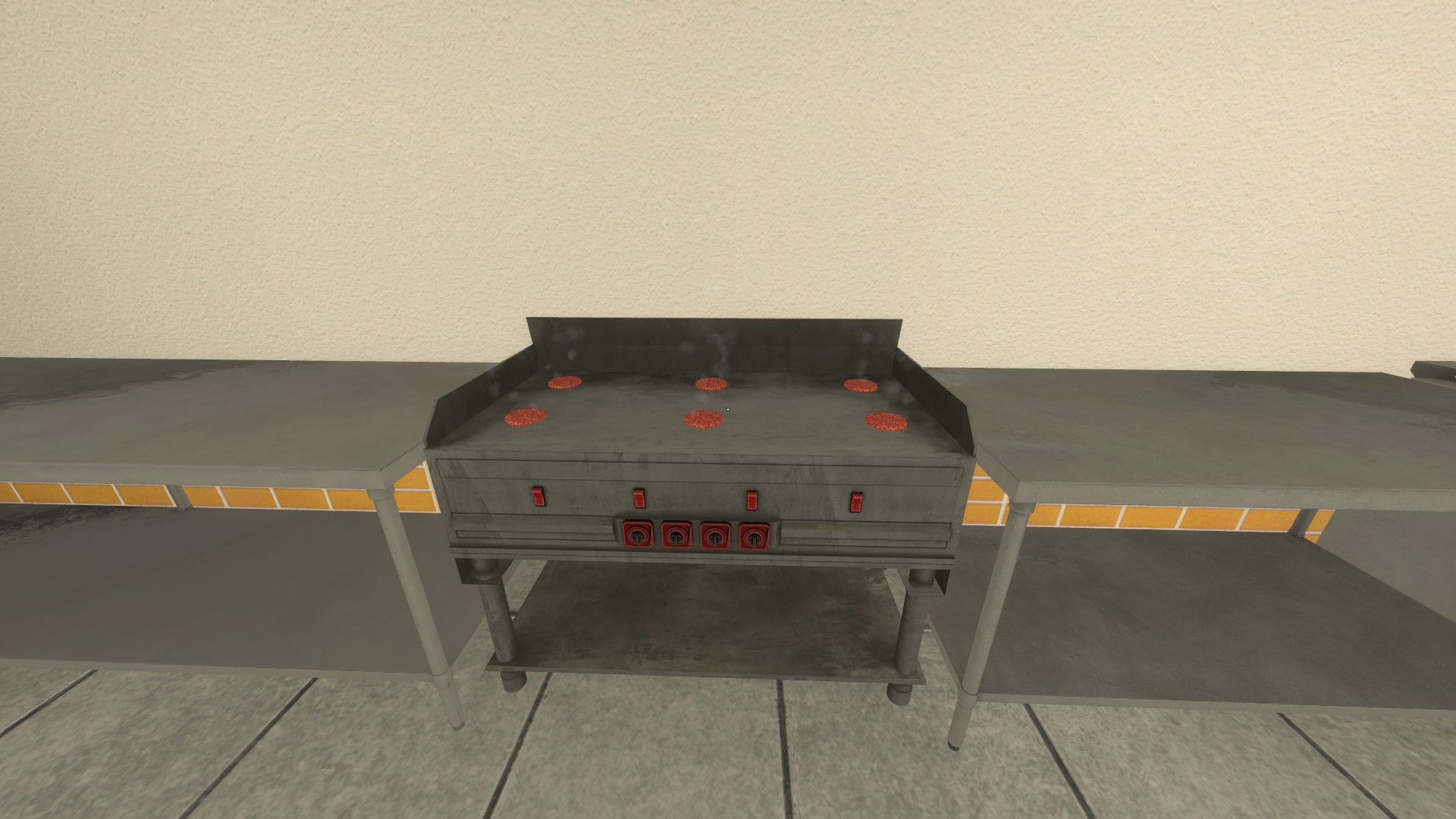
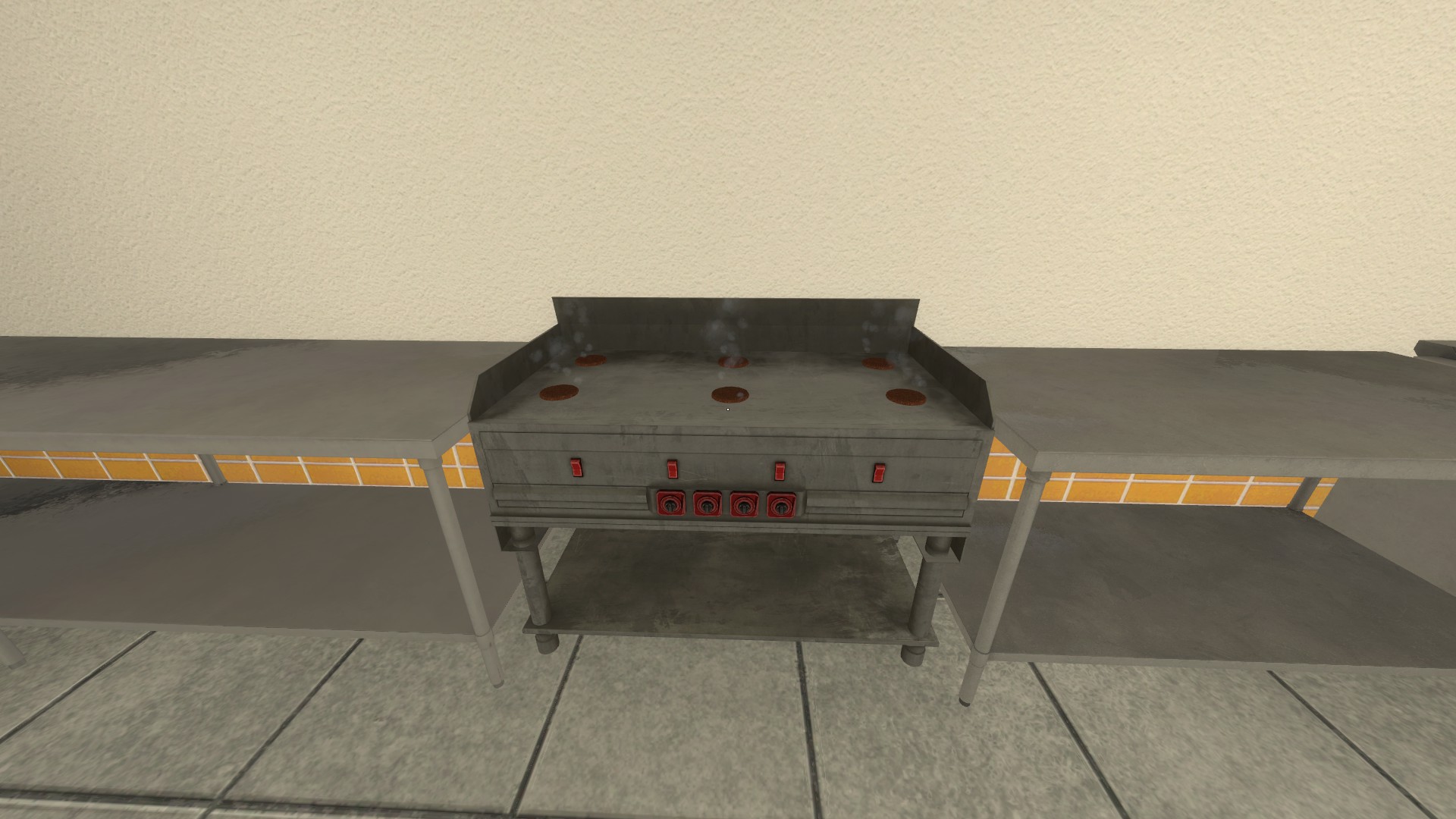
Grill | After collecting 1-6 Raw Patties you can find the grill to the right of the Toaster and place 1-6 patties down onto the grill to cook them by pressing your interact key, be careful to not let them cook for too long as they will burn and need to be disposed of with the trash bin! |
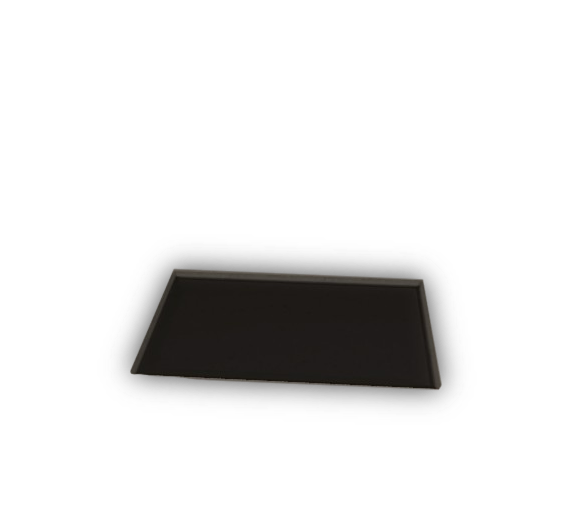 |
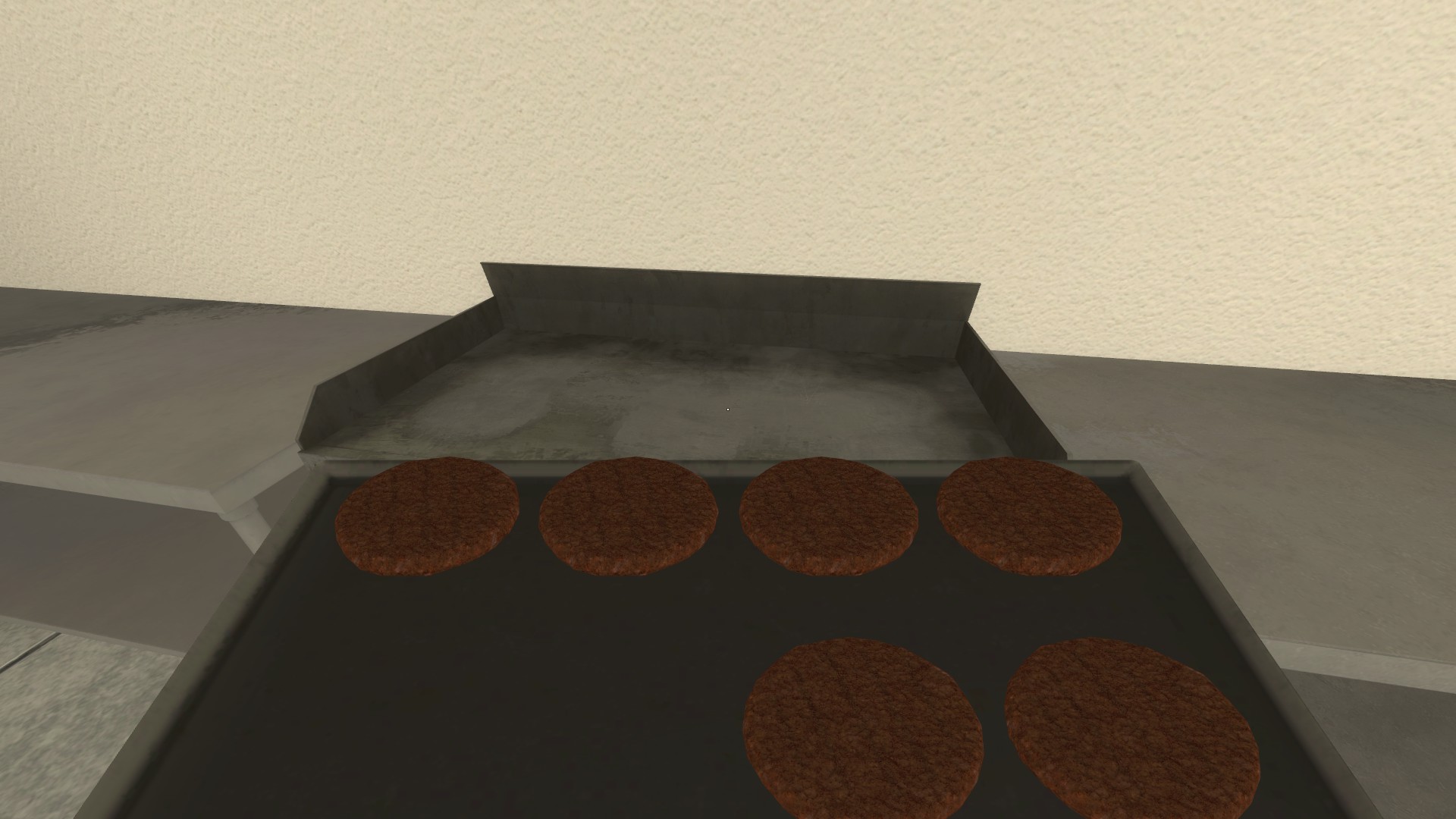
Patty Tray | The Patty Tray can be found right next to the Grill, it is black in color and holds stock of cooked patties for when they're needed, pick it up by pressing your interact key and collect them off of the Grill by pressing the same key. |
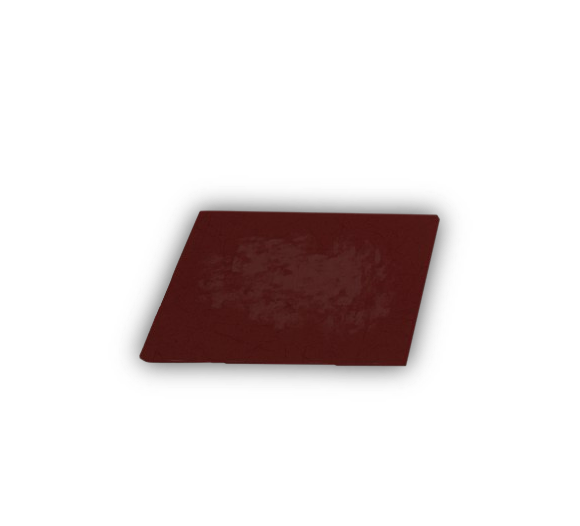 |
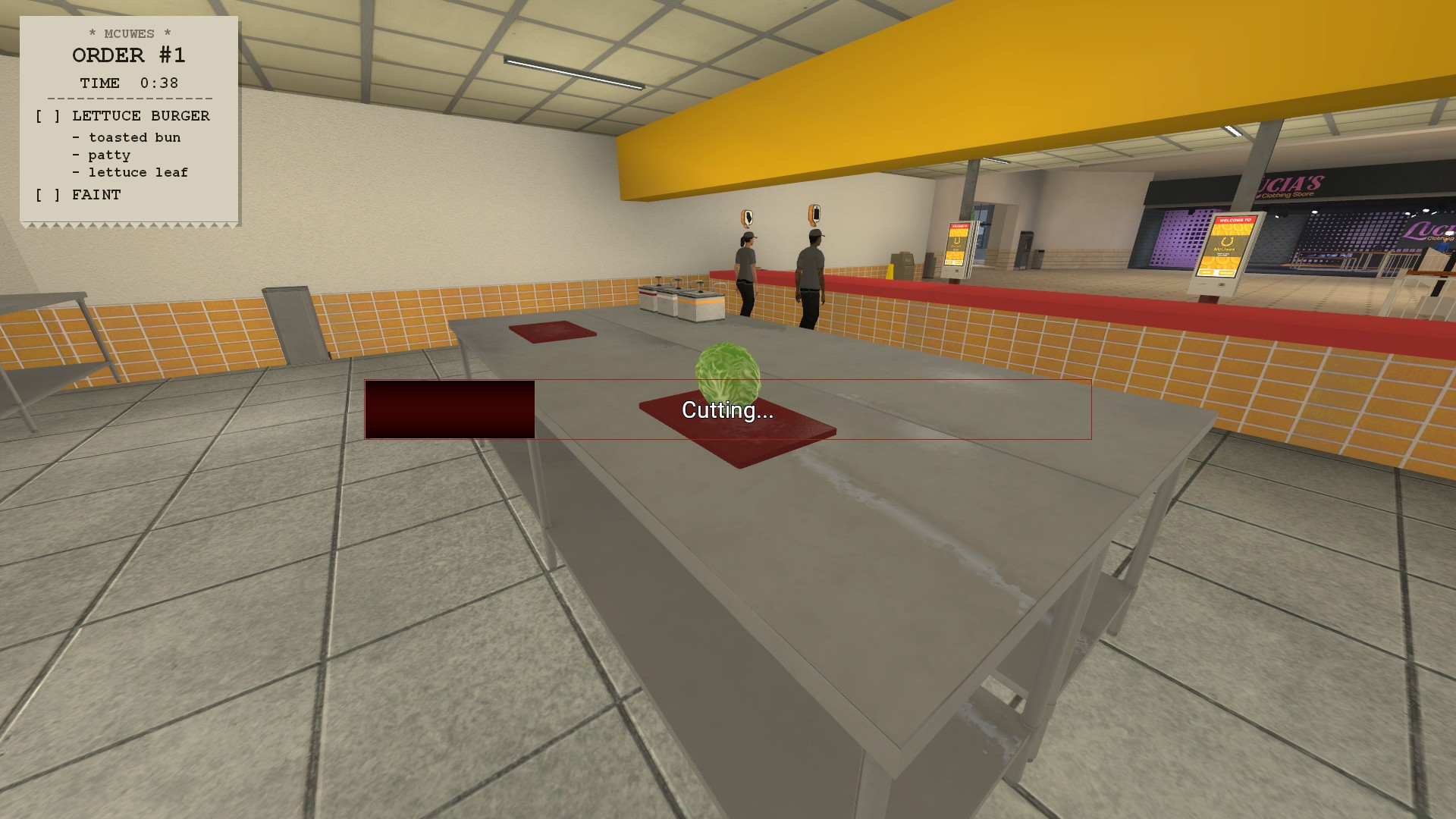
Cutting Boards | Cutting Boards are red in color and can be found in the center of the kitchen counters, to use them you will need to place a vegetable ingredient onto it by collecting them from the Fridge and then placing them onto the cutting board by pressing your interact key |
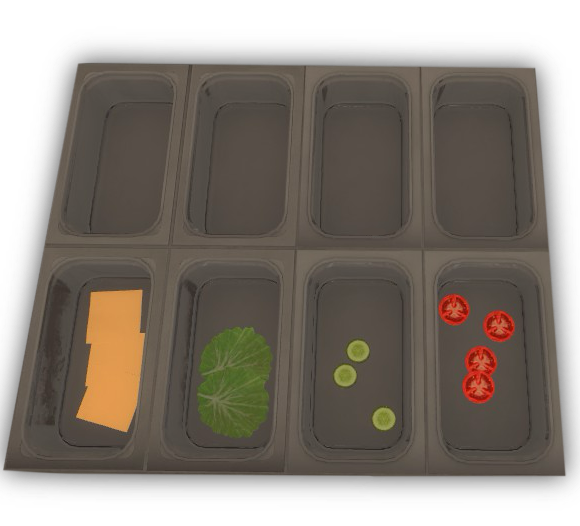 |
Ingredient Containers | Found to the right of the Patty Tray, you can find multiple ingredient containers that are gray in color, before making burgers you should make an effort to stock them with Tomatoes, Lettuce, Pickles, Onions, and Cheese Slices to save you from having to restock in between orders! |
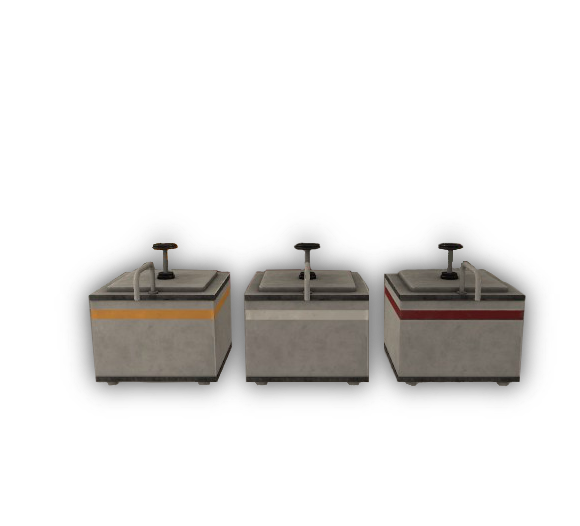 |
Condiment Dispensers | The Condiment Dispensers can be found on the center counter in the Kitchen, the Yellow Dispenser is Mustard, the White Dispenser is Mayonnaise, and the following Red Dispenser is Ketchup. |
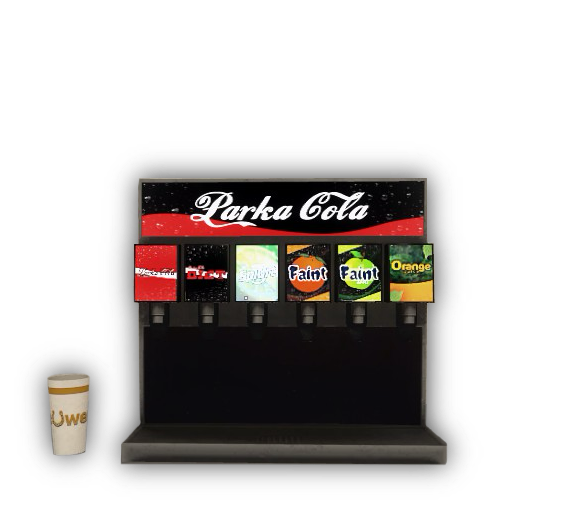 |
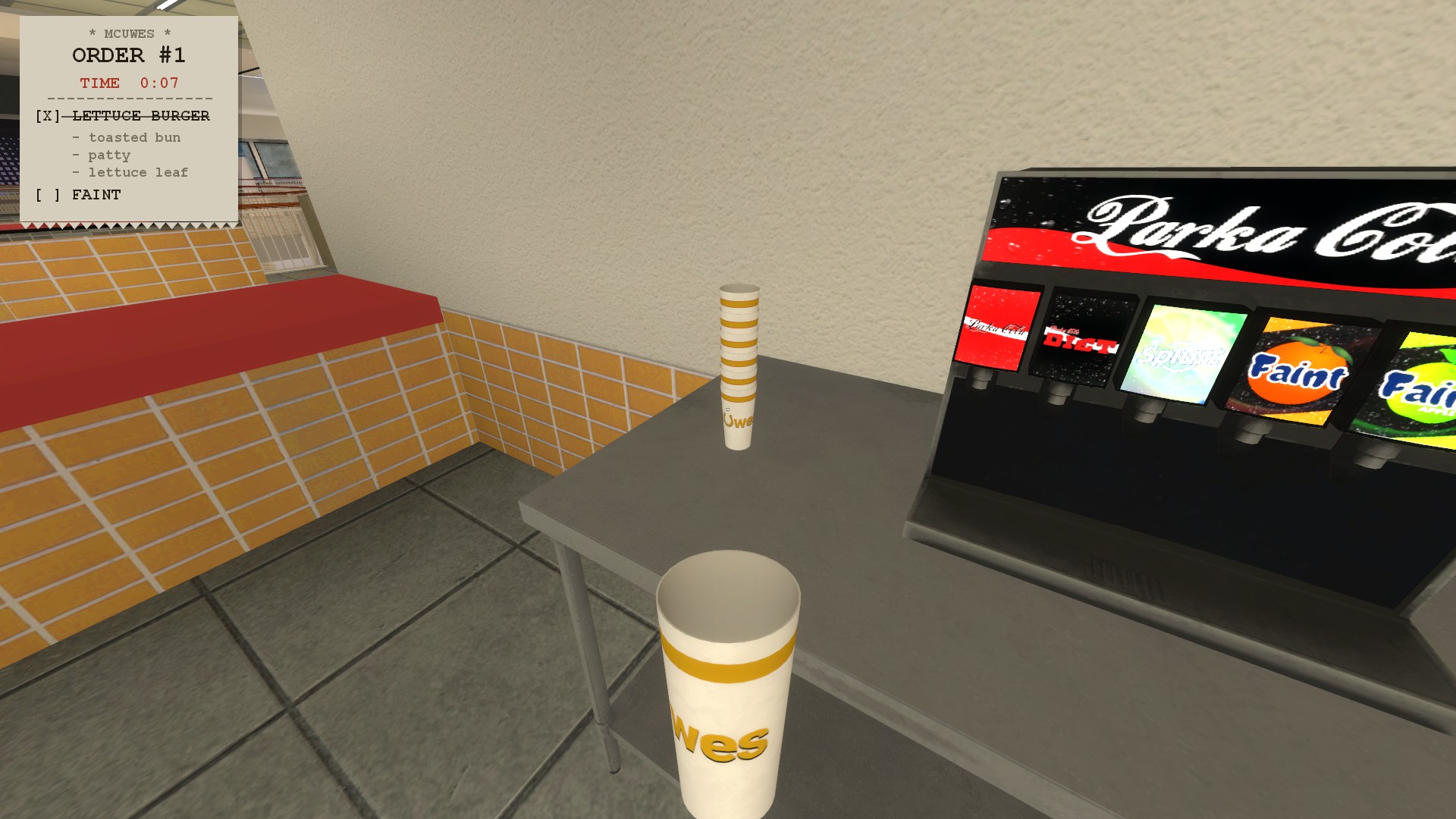
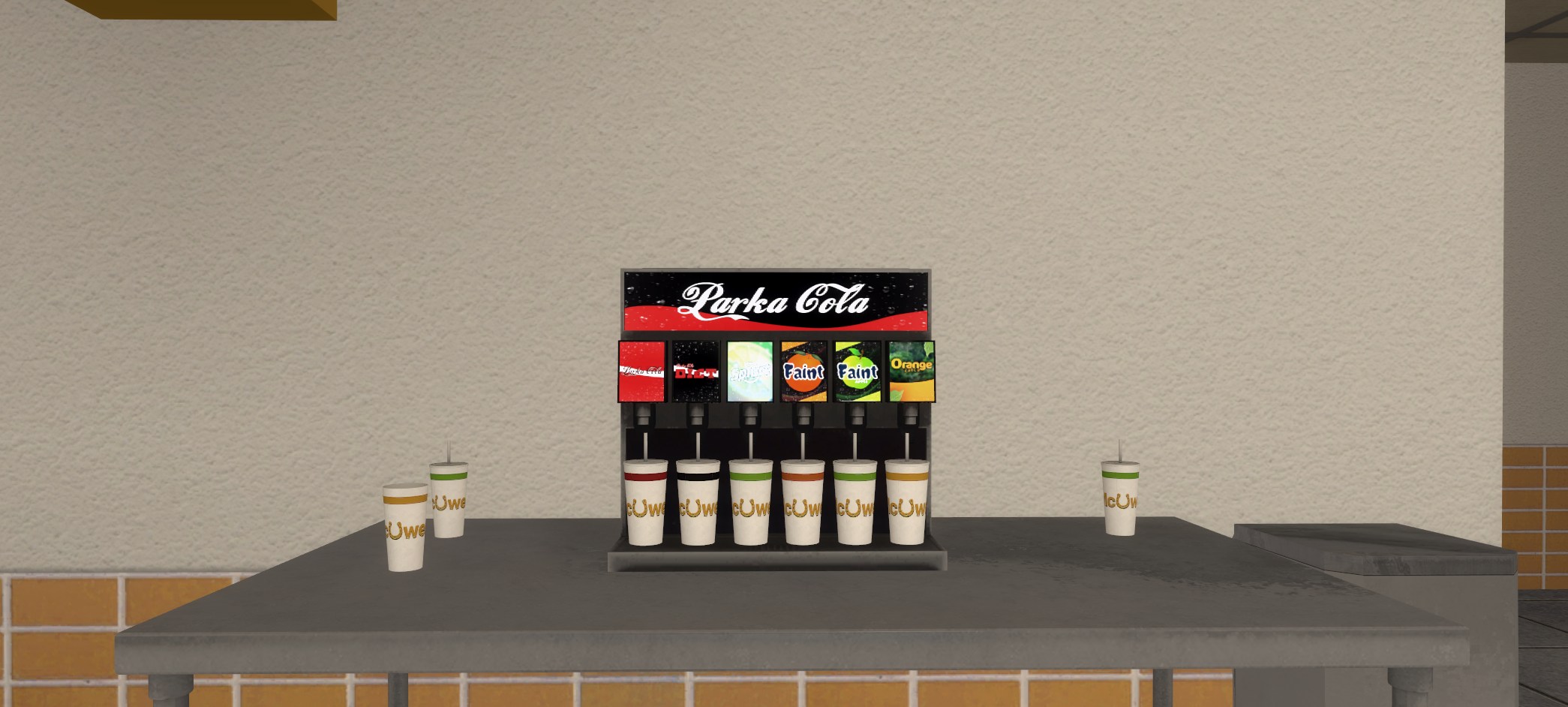
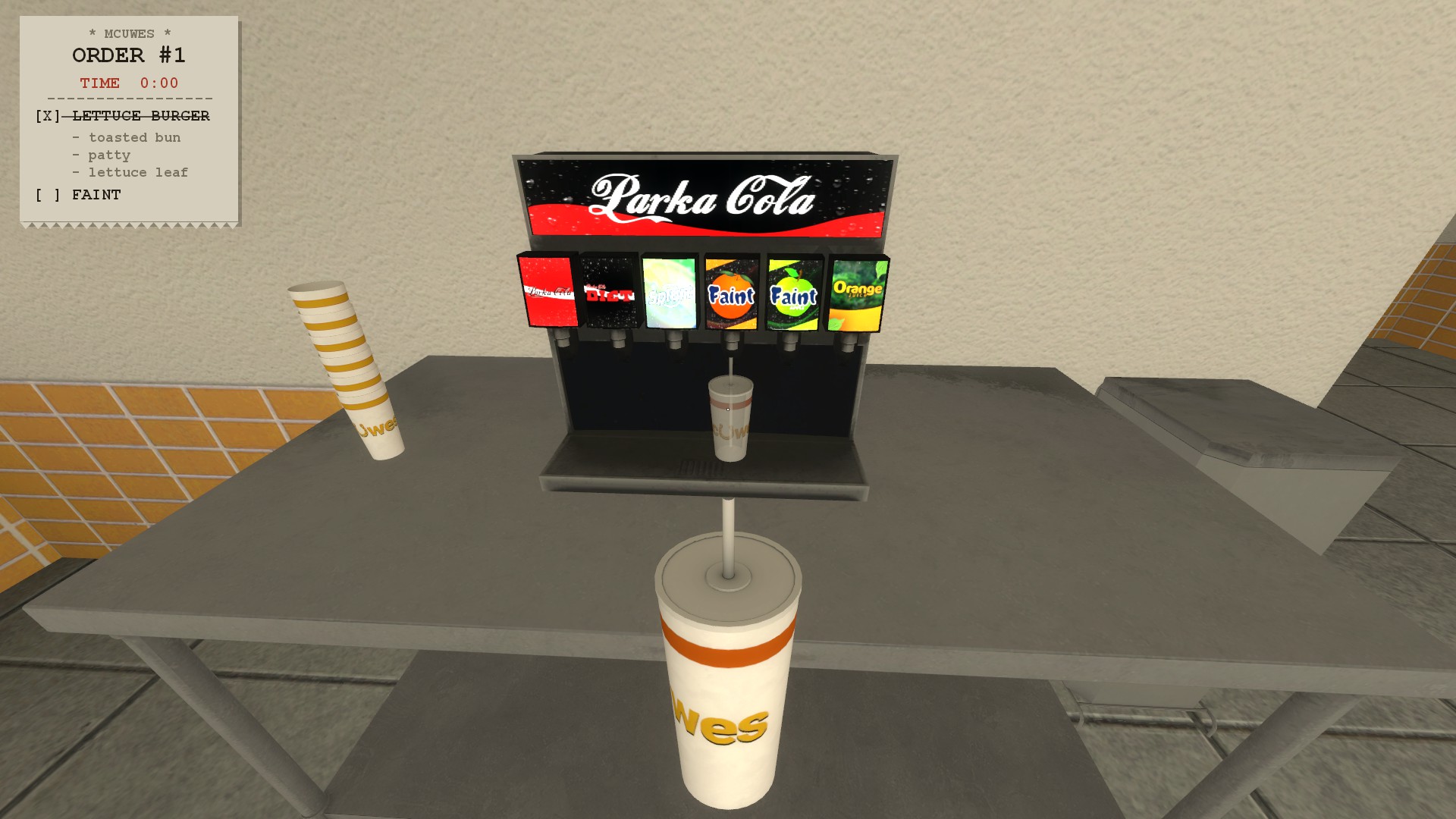
Soda Machine | The Soda Machine can be found around the corner to the door you enter into when you first start your shift, some orders will require drinks to be made, you can make a Soda by first interacting with the stack of cups by pressing your interact key (default: E) and choose between Parka Cola, Parka Cola Diet, Splurt, Faint Orange, Faint Apple or Orange Juice, after filling the cup, you will pick it up with the same key and place it onto the Serving Tray that requires said drink. |
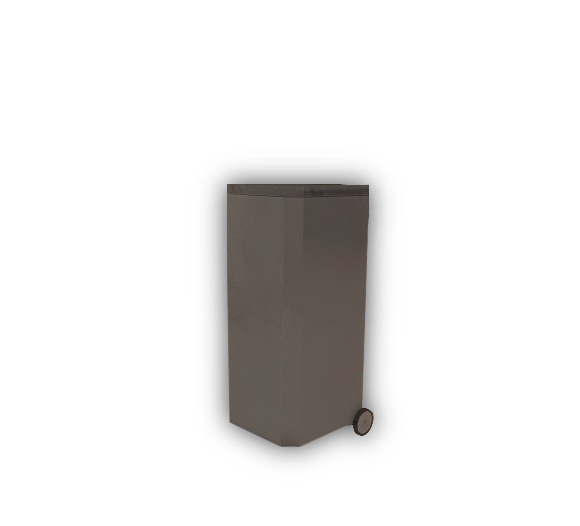 |
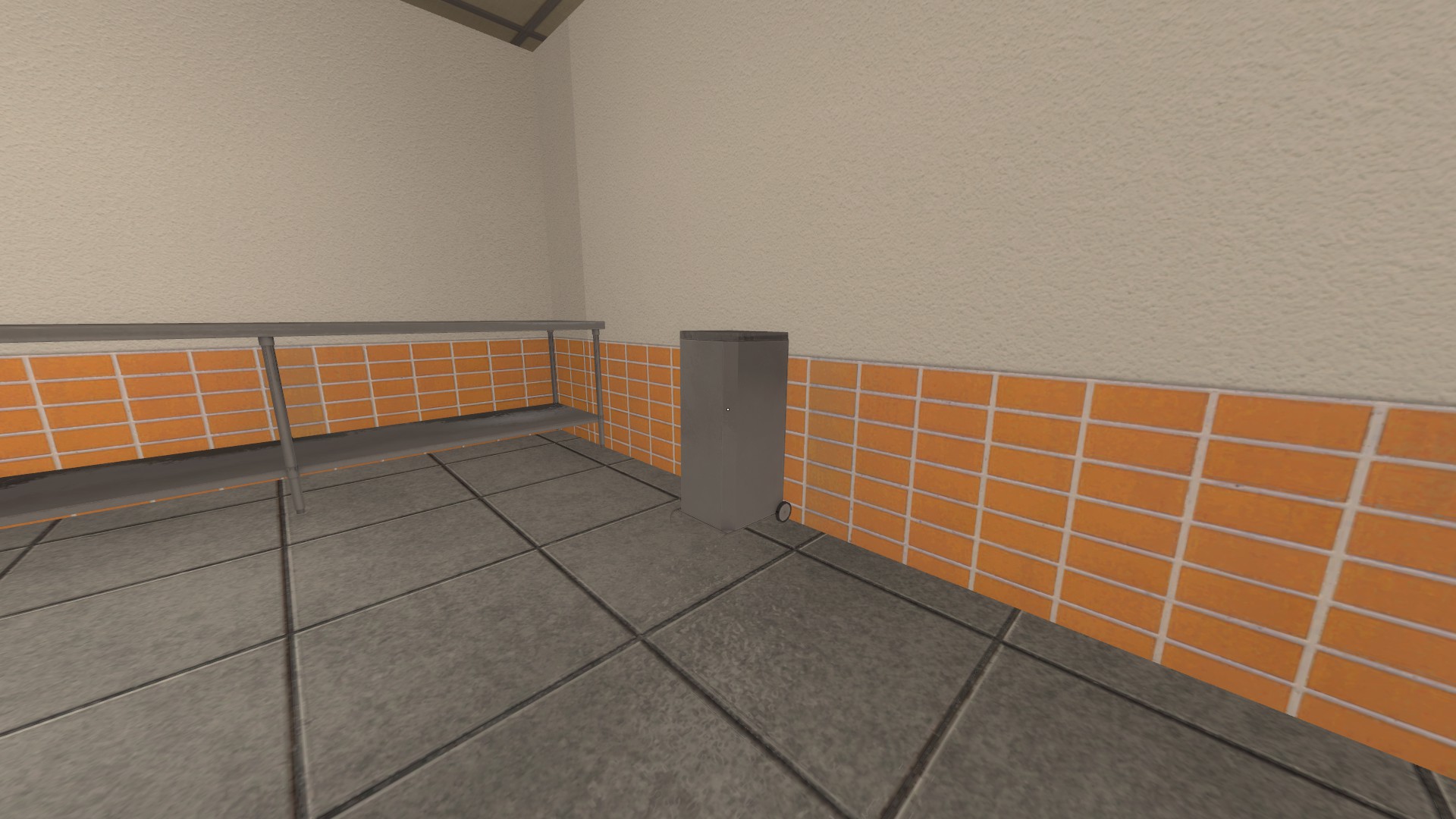
Trash Bin | If you ever unfortunately mess up a burger or a drink, or simply need to throw something away, you can find two Trash Bins inside of the kitchen, one is beside the Soda Machine and the other can be found across the kitchen next to one of the counters, you can dispose of whatever you're holding by walking up to the Bin and pressing your interact key (default: E) |
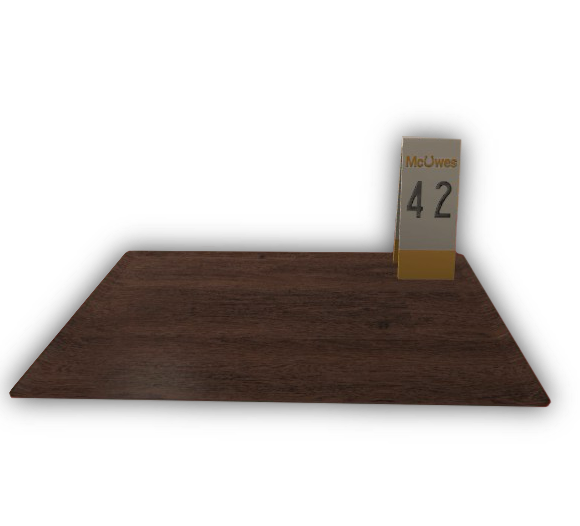 |
Order Serving Tray | The Order Serving Trays can be found on the opposite end of the counter from the two NPCs for ordering food or starting the job, the trays will have the corresponding numbers to the current orders on the Kitchen Order Board, you can place the required items by pressing your interact key (default: E) with said items in hand. |
How To Complete An Order
Kitchen Preparation
Before you can work on any orders, you should ensure your kitchen is fully stocked with the items needed to prepare your burgers. The main items that need to be stocked are cheese slices and salad. You can also stock cooked burger patties and burger buns, but this isn't necessary.
To stock and prepare salad, walk over to the fridge, which is situated in the corner opposite the entrance, and press E while looking at it.
Receiving Orders
There are two types of orders you can receive as a Cook. The first type is NPC orders, while the other type is Player orders.
All orders are displayed on the “Kitchen Orders” board, which is situated to the left of the kitchen entrance on the wall. To make it easier when preparing an order, you can hover over a specific order on the board and press E to pin it to the top-left corner of your screen.
Toasting Buns
Once you have selected an order, the next step is to begin preparing it. The first thing you will need is a toasted burger bun.
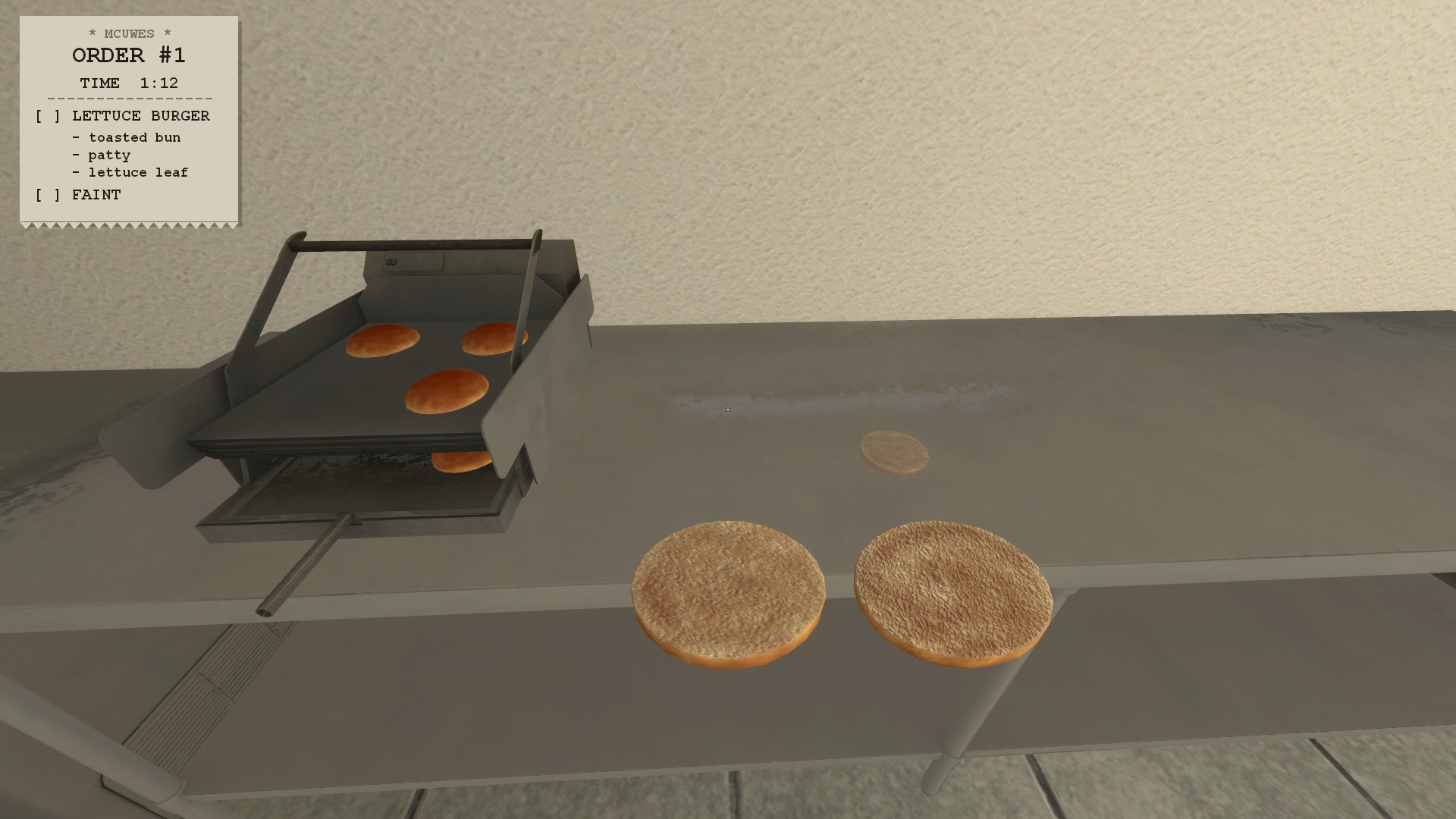
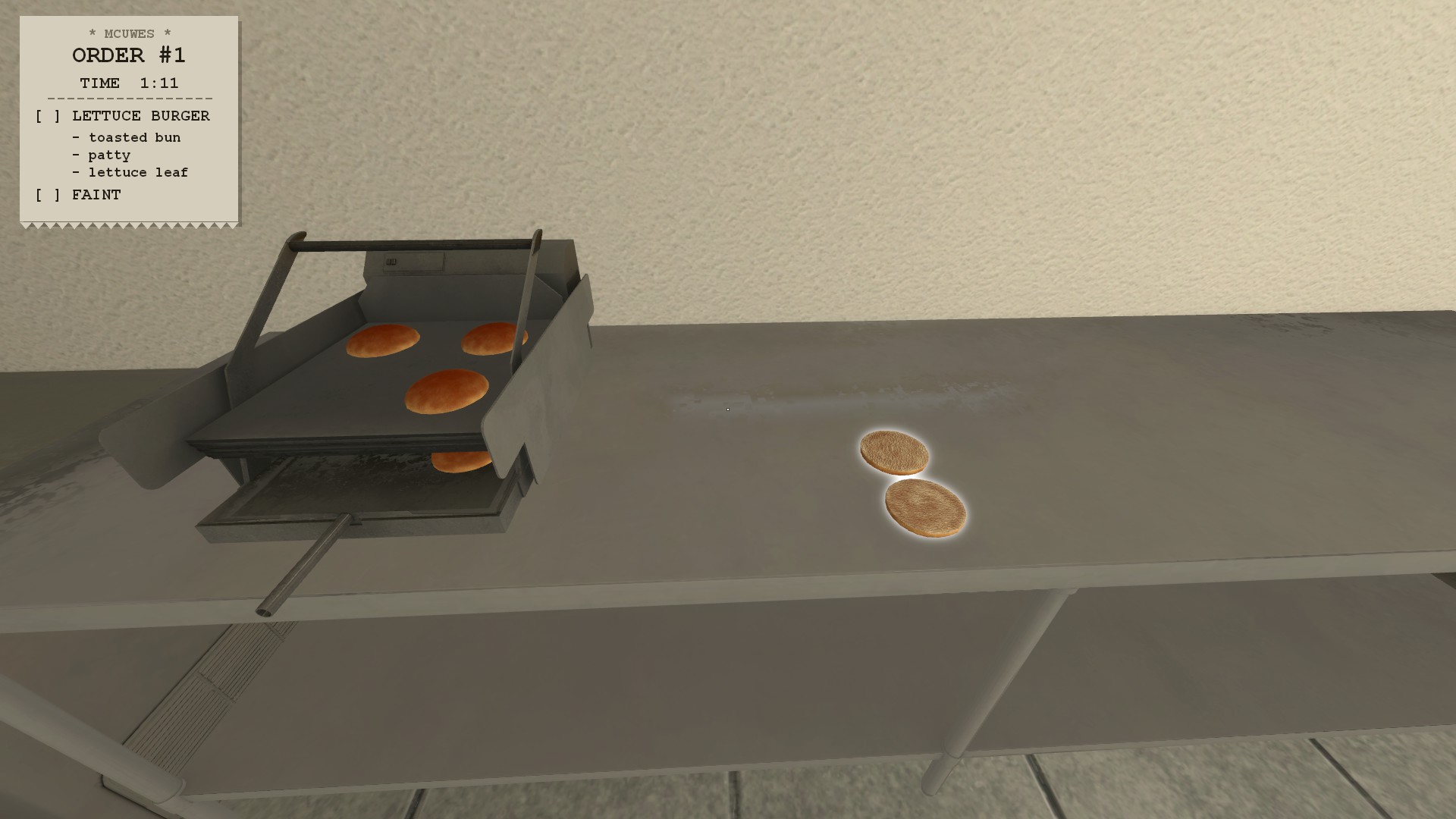
To do this, simply grab a burger bun from the same fridge you took the salad and cheese from earlier. Once you have the bun in your hands, place it inside the toaster, which can be found next to the fridge on the countertop.
Note: You can carry up to four burger buns at the same time.
Cooking Patties
Moving on, most orders, but not all, will require a burger patty. To start, head back over to the fridge and select “Raw Patty.”
Note: You can carry up to six patties at a time.
Once you have a raw patty, head over to the grill, which is situated in the centre of the back wall of the kitchen.
Assembling Orders
You have now learnt how to prepare everything and should be ready to assemble your order! To begin, ensure you have an order selected and, ideally, pin it to your screen. When assembling orders, you should work your way through the burger assembly as it is shown on the ticket, from top to bottom. Firstly, grab a toasted bun. You can either use one you left on the countertop earlier or make a new one. With the bun in your hands, walk over to the grill area and grab a cooked burger from either the patty tray or directly from the grill. (SHOW IMAGE OF BURGER AND BUN IN HAND) Once you have this, move over to the ingredients container and select the ingredients you need for your burger, as specified on the order. (SHOW IMAGE OF INGREDIENTS ON BURGER) Next, head over to the sauces, which can be found in the centre of the kitchen on top of the countertop. Select the sauce you need for your burger. (SHOW IMAGE OF SAUCE ON BURGER) Lastly, walk over to the corresponding tray for your order, which can be found at the front counter. If you have an order pinned, this tray will be highlighted. Place your assembled burger on the tray.
Drinks
Some orders will also include a drink. This process is simple and only takes a short amount of time.
To begin, head over to the drinks machine, which is situated to the right of the front counter.
Trash Bin
Lastly, an important feature of the kitchen is the bin. This allows you to dispose of any overcooked food or mistakes you have made while preparing orders.
Simply press E on the bin while holding anything in your hands to dispose of it. This works with every item you can pick up.
Ranks and Leveling
| Rank | Benefits |
|---|---|
| Apprentice Cook | This is the entry level McUwes Cook Rank. |
| Junior Cook | This is the second level McUwes Cook Rank. |
| Cook | This is the third level McUwes Cook Rank. |
| Line Cook | This is the fourth level McUwes Cook Rank. |
| Senior Line Cook | This is the fifth level McUwes Cook Rank. |
| Sous Chef | This is the sixth level McUwes Cook Rank. |
| Senior Sous Chef | This is the seventh level McUwes Cook Rank. |
| Chef | This is the eighth level McUwes Cook Rank. |
| Deputy Chef | The Deputy Chef rank is the first Competitive Rank. Cooks who have reached the third highest total experience are awarded this rank. |
| Head Chef | The Head Chef rank is the second Competitive Rank. Cooks who have reached the second highest total experience are awarded this rank. |
| Executive Chef | The Executive Chef rank is the highest Competitive rank. Cooks who have reached the highest total experience are awarded this rank. |
Actions:
Details:
Version: 3
Created On: 4 Sep 2026, 8:57 p.m.
Created By: mocho
Views: 400