Starter Guide
First Steps
An introduction to the Tutorial System
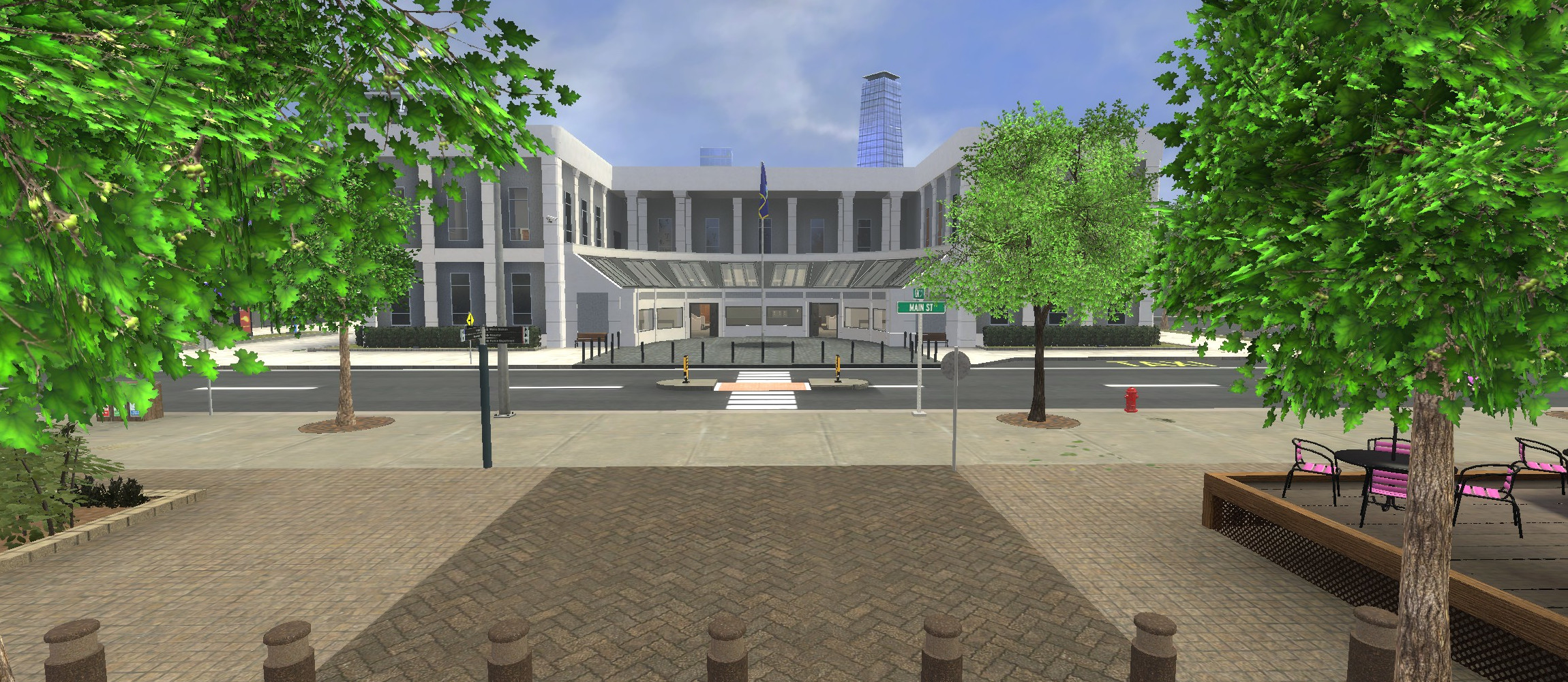
When you have created your character you're ready to begin your adventure in Paralake. You will spawn right in the City Center. We strongly suggest you complete the Tutorial before doing anything else as it helps you learn the game mechanics and it only takes around 10-15 minutes.
> Quick Tip: You can access the help website, rules, laws, skills, and other useful information anytime by pressing F1.
Inventory and Statistics
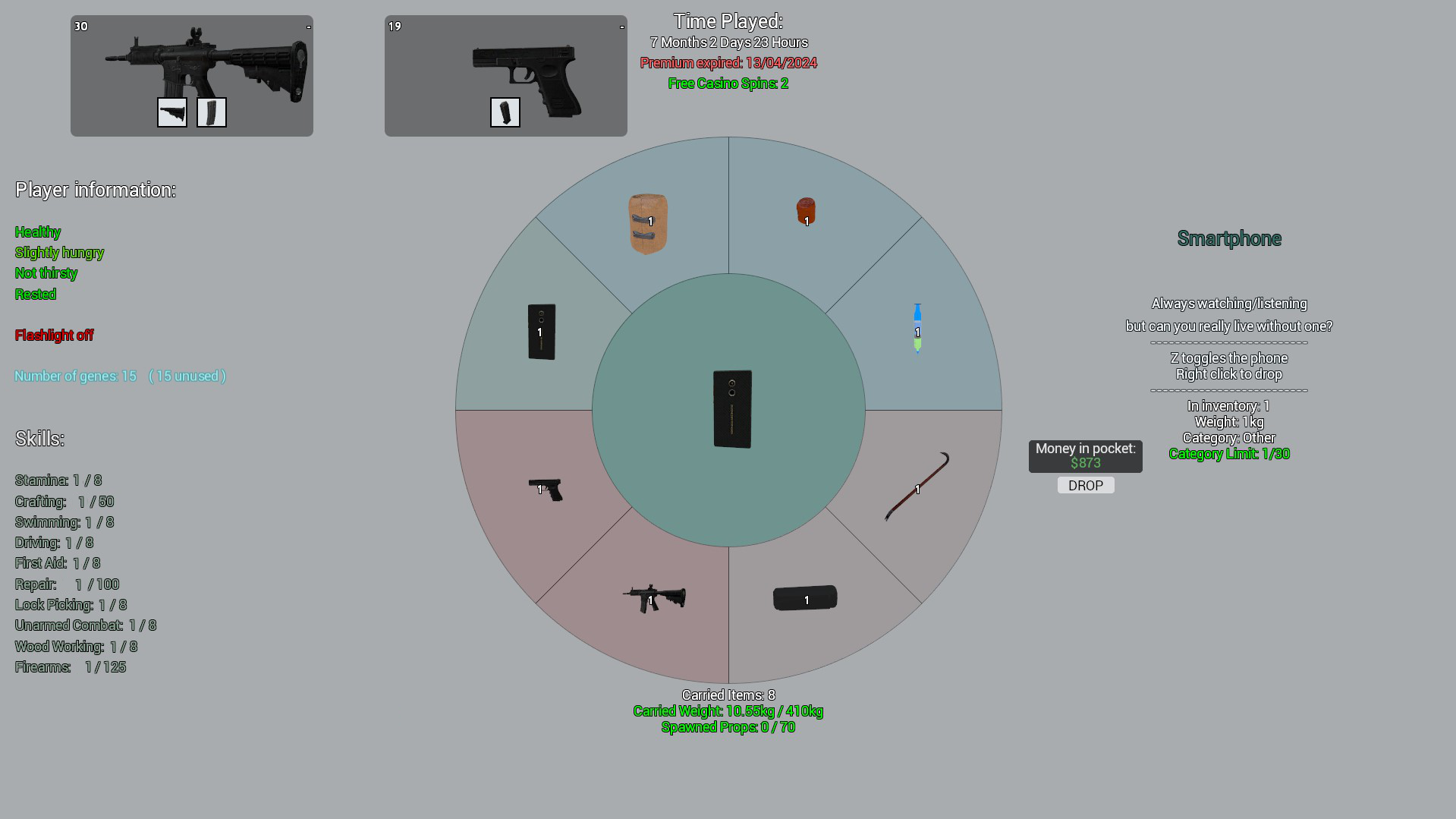
How to access your Inventory, Money and check your Vitals
Hold Q to check how much money you have on you, as well as some statistics such as health, hunger, thirst, and stamina.
- Money: The money shown here is the money you have in your pocket, but there are ATMs across the city where you can deposit and withdraw your cash.
- Supplies: There are gas stations in the city where you can buy food, drink, a phone, and a flashlight. These are good items to have. Water can also be purchased at any gas station; this is optional but definitely recommended as it aids your stamina.
Understanding your Vitals
| Type | Description |
|---|---|
| Health | This changes when you take damage. It regenerates on its own (affected by the regeneration gene) or you can use a STIM pack to heal yourself, but you won't have those just yet. |
| Hunger | This will decrease as time goes by. To get it back up, eat food. When your hunger hits "extremely hungry" your vision will become blurry. |
| Thirst | This will decrease the more you move around and your character gets exhausted. |
| Stamina | This decreases as you run around. It affects your regeneration and means you cannot run as fast (or at all). To get this back up, drink water. |
| Armour | This can only change if you go on a government job such as Police or Secret Service. |
| Carried Weight | How much weight your character is currently carrying. |
| Spawned Props | How many props you can spawn in. Note: You can make an F6 report in-game and ask for extended props if you are running a shop. |
Essential Items
Important items you need to know about
| Icon | Name | Description |
|---|---|---|
 |
Smartphone | The phone is the most important item! Used to call others, use org chat, check city info, order items to your location, and access the missions app (where you can do the tutorial). |
 |
Primary Weapon | You can only equip ONE primary weapon. A primary weapon can be a Sniper Rifle, Assault Rifle, or an SMG. |
 |
Secondary Weapon | You can only equip ONE secondary weapon. A secondary weapon can be any pistol, revolver, or melee weapon. |
 |
Stim Pack | A stimpack can be used to gain health back instantly. Stimpacks can be purchased from other players or crafted. |
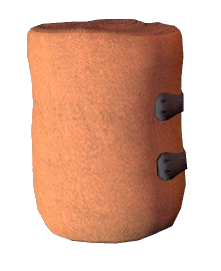 |
Bandage | Used to stop bleeding (indicated by a heart icon on the top left). Bandages can be purchased from 'Safety First', other players, or crafted. |
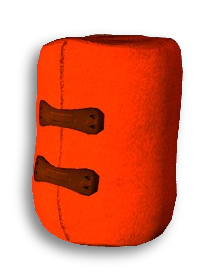 |
Splint | Used when you are Crippled (unable to run/jump). A splint allows you to run again for 5 minutes (20 min cooldown). Tip: Call a medic or visit the hospital to fully heal. |
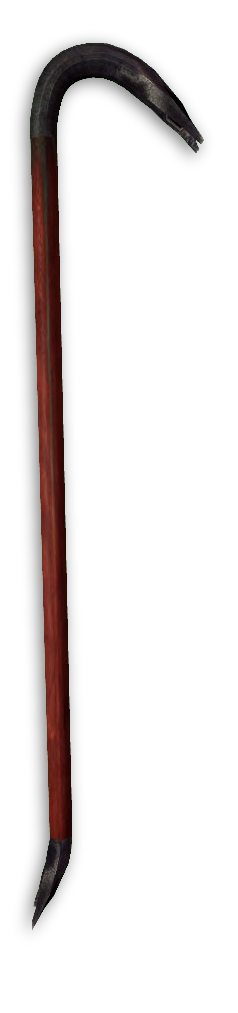 |
Crowbar | Used when raiding or breaking into cars. Also used to break cuffs or clamps. It is very loud. Using this on an alarmed door sends a 911 alert to the police. |
 |
Lockpick | Used to quietly pick locks or handcuffs. You cannot move while picking. If the lockpick slips on an alarmed door, the alarm may go off. |
 |
Zip Tie | Used to restrain players. Press R with fists to mug a tied player. Press Right Click to free them. To escape ties yourself, spam Spacebar (this makes noise). |
Properties and Transport
Finding your way around, housing, and travel
Navigating Paralake
This map is so big and full, how do I find my way around? It may seem daunting at first, however with a bit of exploring you’ll soon become very familiar with Paralake.
- Phone Map: To start with you can open up your phone by pressing
Zand navigate to the Map app to make your way through the map. - Help Chat: You can also use
/helpfor specific questions. - Districts: The map is sorted into four main sections: The City, Business Sector, Suburbs, and Forest.
How to buy or sell a property?
Make your way over to the XQ Bank in the city located just left of City Hall and talk to the attendant by the front desk to buy a property.
- Each property has a thumbnail with a picture and a specific name.
- If you are unsure where your newly purchased property is, either ask in
/helpchat or check out the map on your phone! - Buddy System: You can allow your friends to access your property using the buddy system (
F4).
> Important: You lose your property if you disconnect so make the most of it!
Where are the entrances to the Metro?
There are three metro stations, the most central being the Paralake Central Station alongside Main Street just across the City Hall. The metro system can take you to:
- Suburbs
- Business Sector
- The City
How do I build a base within the server rules?
Building a legal base can seem hard at first, however there is plenty of help regarding this matter.
It is highly recommended you familiarize yourself with our Building Rule 3.6 as well as our Construction Handbook. The construction handbook will give you a set of examples of what to look out for within your base, and give you examples of how to construct a good base for each property.
You can at any time ask a staff member if your base is up to code by using /report or pressing F6 asking for your base to be reviewed.
Further Reading & Career Paths
Skills
Your skills level up as you play, they're pretty self-explanatory. For example, your stamina skill will level up from running around a lot. The only skills that might cause confusion are the firearms and woodworking skills, which level up from crafting.
Genetics
Want to enhance your character some more? You can purchase more genetics in the hospital by interacting with an NPC. * Learn more about Genetics
Career Options
Ready to decide what to do next? Check out these guides:
- Shopkeeping: Wanna run your own shop? Click here
- Crafter: Wanna be a crafter? Click here
- Criminal: Wanna go the criminal way? Click here
- Legal Jobs: Wanna earn money legally? Click here
- Fishing: Wanna learn how to fish? Click here
Actions:
Details:
Version: 17
Created On: 4 May 2020, 2:53 p.m.
Created By: flugs
Authors: TinySlayer, flugs, Samuel, roxie, Medium, Tyla Jai, SlingShot, Lucius Husky, Exnem, A1L, rogue, JuJu, Oddy, Scoot, Viper
Views: 163k